Overview
- A median filter is an image filter that works on the spatial domain of the image.
- Median filter is one of the smoothening filters and it removes speckle noise and impulsive noise from the image.
- The important characteristic of the median filter is that it also preserves the edges present in the image.
- As the median filter is applied onto an image, each pixel is replaced with the median value of its neighbours. The current pixel value as well is included in the median calculation.
Median filter in Python Pillow
- The Python image processing library - Pillow, implements the median filter through the class ImageFilter.MedianFilter.
- The default window size of the neighbourhood pixels for median calculation is 3. This value can be controlled through the size parameter.
Example
from PIL import Image

from PIL import ImageFont

from PIL import ImageDraw

from PIL import ImageFilter

# Draw on image

def writeonImage(baseImage, description):

    baseImage = baseImage.convert('RGBA');

    txtImage = Image.new('RGBA', baseImage.size, (255,255,255,0));

    # Select a font

    font = ImageFont.truetype("/opt/X11/share/fonts/TTF/Vera.ttf", 150);

    draw = ImageDraw.Draw(txtImage);

    draw.text((20,60), description, font=font, fill=(255,255,255,255));

    return Image.alpha_composite(baseImage, txtImage);

# Create an image object from a file

imageObject = Image.open("./tower.jpg");

orig        = writeonImage(imageObject, "Original");

orig.show();

# Apply median filter

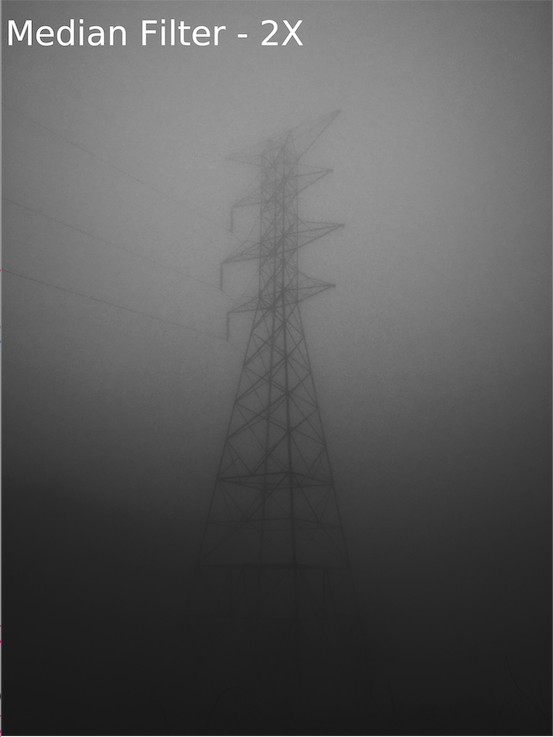
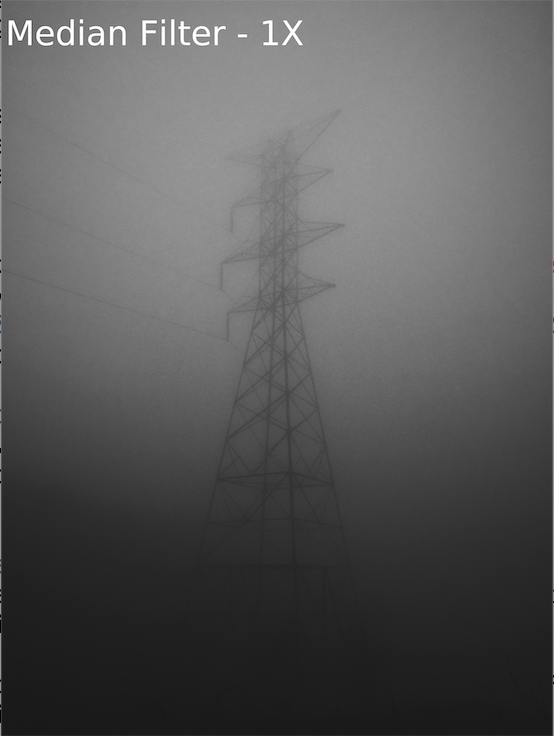
medianFilter1X = imageObject.filter(ImageFilter.MedianFilter);

output1        = writeonImage(imageObject, "Median Filter - 1X");

medianFilter2X = medianFilter1X.filter(ImageFilter.MedianFilter);

output2        = writeonImage(imageObject, "Median Filter - 2X");

output1.show();

output2.show();
Output
Before applying median filter
Before applying median filter using pillow - the python image processing library
After applying median filter - 1x times:
After applying median filter - 2x times: